ClickFix Evolves to Windows Terminal Execution, Bypassing Run Dialog Defenses to Deploy Lumma Stealer
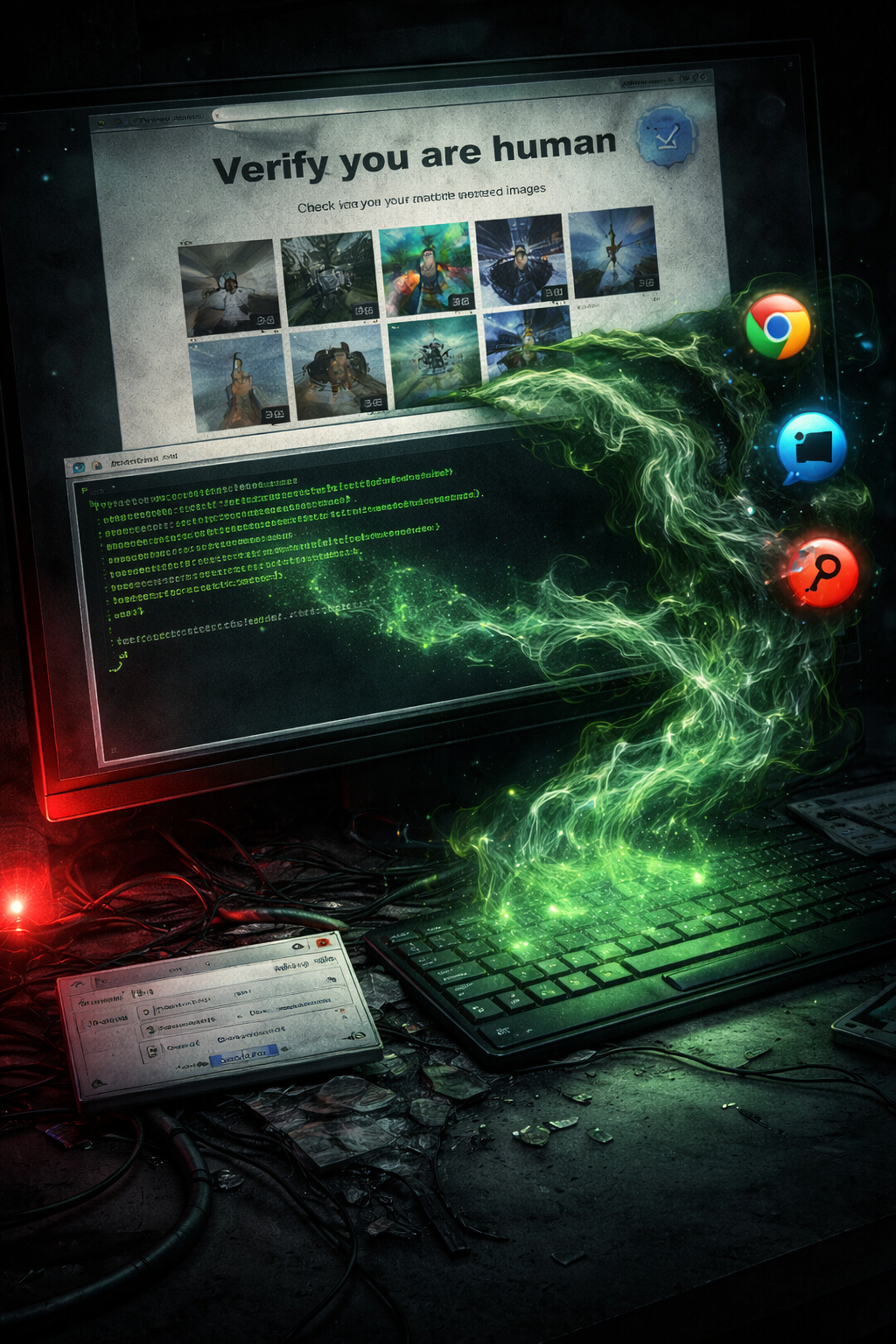
Microsoft has warned of a new ClickFix variant observed in the wild since February that evades existing defenses by shifting the execution environment from the Windows Run dialog to Windows Terminal — blending malicious command execution into legitimate administrative workflows.
This marks a significant evolution in the ClickFix technique, which ZDW previously covered in the MIMICRAT campaign where compromised legitimate sites delivered fake Cloudflare verification pages. The core social engineering remains the same — fake CAPTCHAs, troubleshooting prompts, and verification lures — but the execution path has been redesigned to defeat the defenses that security teams deployed in response.
What Changed
Traditional ClickFix: Victims press Win + R to open the Run dialog, paste a malicious command, and execute it.
New variant: Victims are instructed to press Win + X → I to launch Windows Terminal (wt.exe) directly, pasting commands into a privileged command execution environment that appears more trustworthy and blends into normal administrative activity.
This shift bypasses protections specifically designed to detect and prevent Run dialog abuse, while placing the victim in an environment where PowerShell execution looks routine.
Attack Chain: Lumma Stealer
The primary variant executes a malicious command in Windows Terminal that spawns a PowerShell process decoding embedded hex commands, triggering a multi-stage infection chain:
- Persistence via scheduled tasks
- Anti-malware evasion routines to avoid detection
- Browser data exfiltration targeting saved credentials and sensitive information
- Final payload: Lumma Stealer
Second Variant: Blockchain-Based Evasion
A parallel variant uses Windows Terminal to execute a batch script via command prompt and MSBuild.exe that connects to Crypto Blockchain RPC endpoints — an etherhiding technique that stores malicious payloads or configuration data on blockchain infrastructure to resist takedowns.
This variant performs QueueUserAPC()-based code injection into chrome.exe and msedge.exe processes to harvest Web Data and Login Data directly from running browser instances.
InstallFix: Cloned AI Tool Variant
Microsoft also flagged a related campaign dubbed InstallFix that uses cloned AI tool websites to trick victims into executing malicious commands, similarly leading to information-stealer infections. The proliferation of AI tool installation pages provides a fresh social engineering surface that users are more likely to trust.
Defender Recommendations
- Monitor Windows Terminal launches — flag
wt.exeexecution preceded byWin+Xkeyboard shortcuts, particularly when followed by PowerShell spawning with hex-encoded commands - Detect MSBuild.exe abuse — alert on
MSBuild.exeexecuting batch scripts or making outbound network connections - Block blockchain RPC connections — monitor for connections to Ethereum or other blockchain RPC endpoints from non-cryptocurrency workloads
- Watch for QueueUserAPC injection — flag code injection into
chrome.exeandmsedge.exeprocesses, particularly accessing Web Data and Login Data files - Update ClickFix detection rules — existing rules targeting Run dialog abuse (
Win+R) must now extend to Windows Terminal (wt.exe) execution patterns - User awareness — reinforce that legitimate websites and CAPTCHAs never ask users to open Terminal, PowerShell, or any command-line tool