Microsoft Office Zero-Day Under Active Exploitation Bypasses OLE Security Mitigations (CVE-2026-21509)
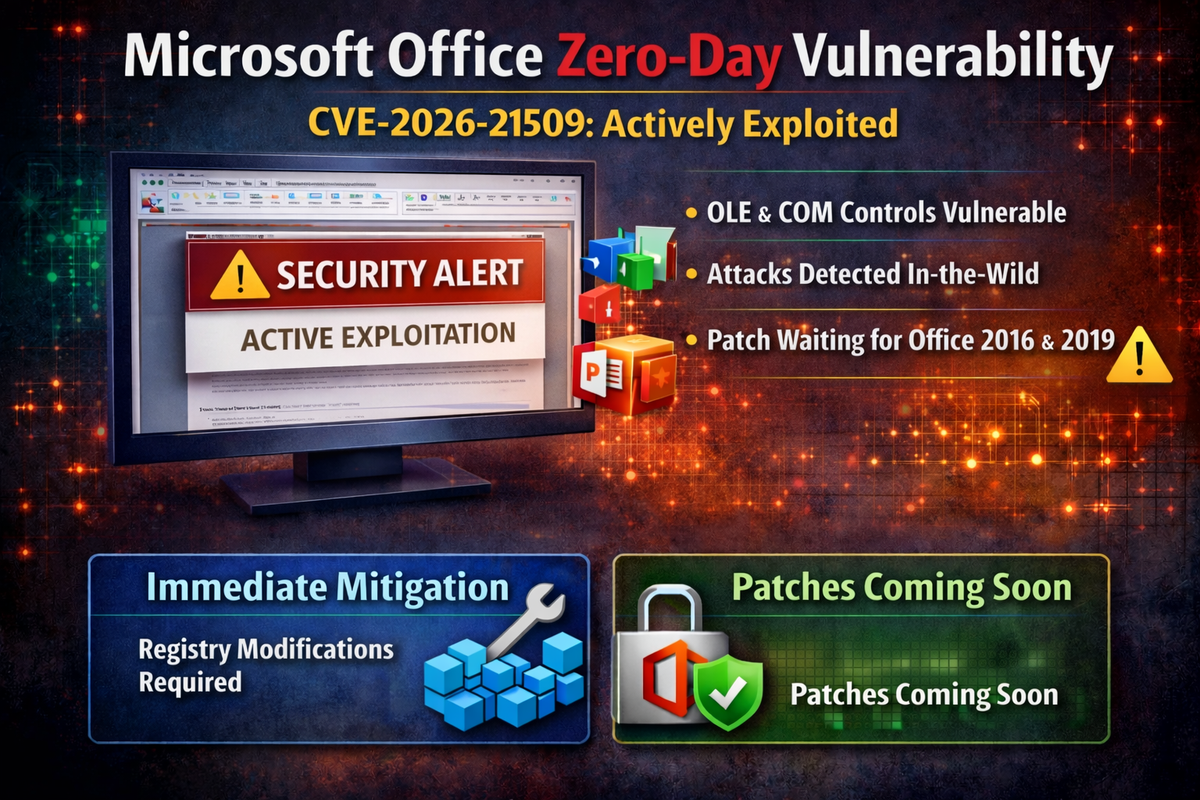
Microsoft has disclosed an actively exploited zero-day vulnerability in Microsoft Office that allows attackers to bypass security features designed to protect users from malicious OLE and COM controls. The vulnerability was publicly disclosed and is confirmed under active exploitation.
The flaw, tracked as CVE-2026-21509, carries a CVSS score of 7.8 and affects all supported versions of Microsoft Office including Microsoft 365 Apps, Office LTSC 2024, Office LTSC 2021, Office 2019, and Office 2016.
Security Feature Bypass Enables Attack Chain
The vulnerability stems from reliance on untrusted inputs in a security decision within Microsoft Office. Successful exploitation allows an unauthorized attacker to bypass OLE mitigations that normally protect users from vulnerable COM and OLE controls.
Attackers must send a malicious Office file to victims and convince them to open it. The Preview Pane is not an attack vector for this vulnerability, meaning users must actively open the malicious document for exploitation to occur.
Microsoft has confirmed the vulnerability is publicly disclosed and exploitation has been detected in the wild, classifying the exploit code maturity as functional with confirmed report confidence.
Patching Situation Varies by Version
Customers running Office 2021 and later versions will be automatically protected through a server-side change, but must restart their Office applications for the protection to take effect.
However, customers running Office 2016 and Office 2019 face a more critical situation. Security updates for these versions are not immediately available. Microsoft states updates will be released as soon as possible, with customers notified via revision to the CVE advisory when patches become available.
For organizations running Office 2016 or 2019, Microsoft has provided registry-based mitigations to enable immediate protection until patches are released.
Manual Mitigation for Unpatched Versions
Organizations running Office 2016 or 2019 can apply registry modifications to block exploitation. The process requires adding a COM Compatibility key to disable the vulnerable component.
Administrators should first exit all Microsoft Office applications, then open Registry Editor and navigate to the appropriate registry path based on their Office installation type and architecture.
For 64-bit MSI Office installations or 32-bit MSI Office on 32-bit Windows, the path is HKEY_LOCAL_MACHINE\SOFTWARE\Microsoft\Office\16.0\Common\COM Compatibility. For 32-bit MSI Office on 64-bit Windows, use HKEY_LOCAL_MACHINE\SOFTWARE\WOW6432Node\Microsoft\Office\16.0\Common\COM Compatibility.
Click-to-Run installations use different paths. For 64-bit Click-to-Run Office or 32-bit Click-to-Run on 32-bit Windows, navigate to HKEY_LOCAL_MACHINE\SOFTWARE\Microsoft\Office\ClickToRun\REGISTRY\MACHINE\Software\Microsoft\Office\16.0\Common\COM Compatibility. For 32-bit Click-to-Run Office on 64-bit Windows, use HKEY_LOCAL_MACHINE\SOFTWARE\Microsoft\Office\ClickToRun\REGISTRY\MACHINE\Software\WOW6432Node\Microsoft\Office\16.0\Common\COM Compatibility.
The COM Compatibility node may not exist by default and must be created by right-clicking the Common node and selecting Add Key.
Within the COM Compatibility key, administrators should create a new subkey named {EAB22AC3-30C1-11CF-A7EB-0000C05BAE0B}. Inside this subkey, create a new DWORD (32-bit) value named Compatibility Flags with a hexadecimal value of 400.
Microsoft warns that serious problems may occur if the registry is modified incorrectly and recommends creating a backup before making changes.
Affected Products
The vulnerability affects Microsoft 365 Apps for Enterprise for both 32-bit and 64-bit systems, Microsoft Office LTSC 2024 for 32-bit and 64-bit editions, Microsoft Office LTSC 2021 for 32-bit and 64-bit editions, Microsoft Office 2019 for 32-bit and 64-bit editions, and Microsoft Office 2016 for 32-bit and 64-bit editions.
All affected products are rated Important severity with customer action required.
Recommendations
Organizations should immediately restart Office applications on systems running Office 2021 or later to activate server-side protections. For Office 2016 and 2019 deployments, administrators should apply the registry-based mitigation immediately given active exploitation and the absence of available patches.
Security teams should monitor for the forthcoming security updates for Office 2016 and 2019 and deploy them as soon as they become available. User awareness training should reinforce caution when opening Office documents from untrusted sources.