Windows 11 January Security Update Triggers System Lockups and Black Screens
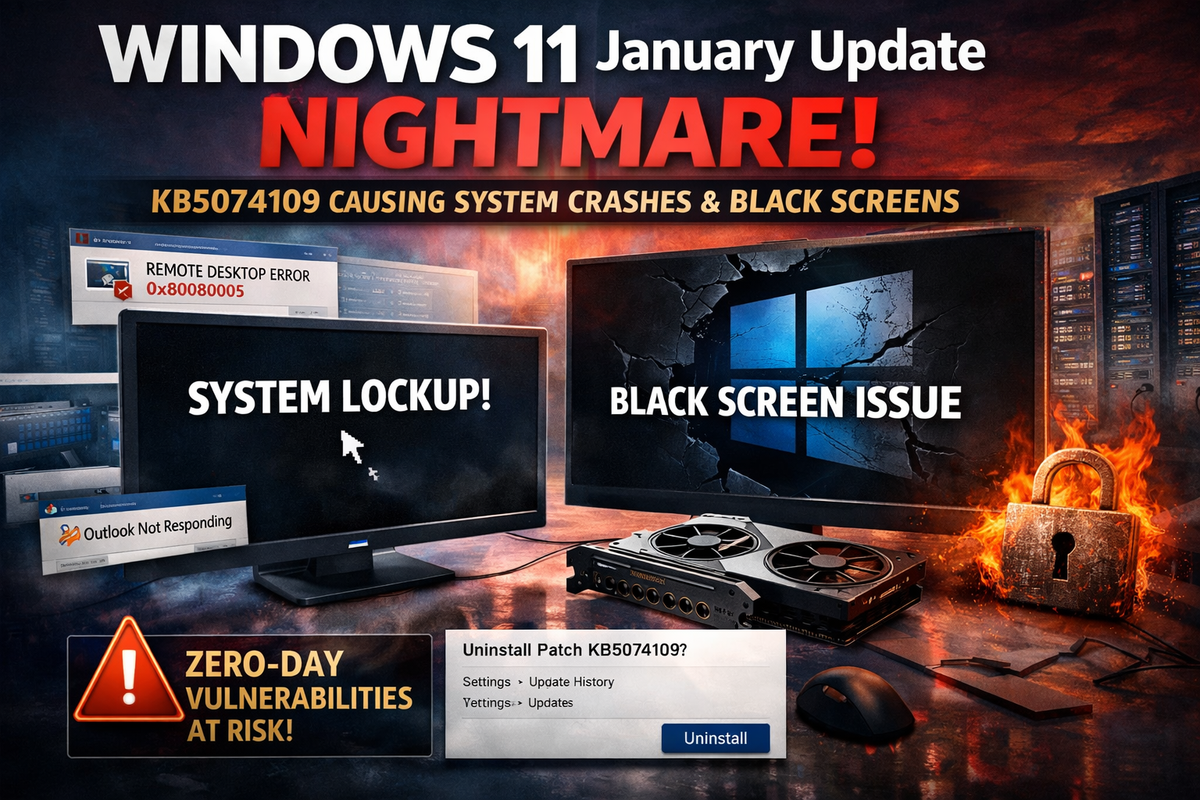
Microsoft's January 2026 cumulative update for Windows 11 is causing widespread system stability issues, with users reporting full lockups, black screens, and application failures that have forced many to uninstall the security patches.
KB5074109, released on Patch Tuesday January 13, targets Windows 11 versions 24H2 and 25H2, delivering over 100 security fixes including three actively exploited zero-days. However, the update has introduced regressions severe enough that affected users are removing it entirely—leaving their systems exposed to critical vulnerabilities.
Graphics Stack Regressions
Users report complete system lockups without blue screens, particularly in graphics-intensive applications. The hangs appear to stem from DirectX and GPU driver regressions triggered by kernel or graphics stack changes in the update.
Black screens are affecting both Nvidia and AMD GPU systems post-install. Graphics applications like BforArtists 5.0, a Blender fork, trigger freezes when switching viewport shading modes.
Enterprise Impact
Microsoft has confirmed credential prompt failures affecting Azure Virtual Desktop and Windows 365 environments using the Windows App. Remote RDP connections fail with error 0x80080005. An out-of-band fix (KB5077744) was released January 17 to address this specific issue.
Outlook Classic freezes on POP and SMTP accounts, displaying "Not Responding" or refusing to launch due to lingering processes. Broader cloud storage integration issues cause applications to hang when saving to OneDrive or Dropbox.
Workarounds
Affected users can uninstall KB5074109 via Settings → Windows Update → Update history → Uninstall updates. GPU vendors recommend installing the latest WHQL drivers or rolling back to previous versions if issues persist.
For Azure Virtual Desktop credential failures, Microsoft recommends using the Remote Desktop client or web client as an interim solution. Enterprise administrators can deploy Known Issue Rollback (KIR) via Group Policy for select regressions.
Security Tradeoff
The situation creates a difficult choice for security-conscious administrators. The update patches critical zero-day vulnerabilities, but the stability regressions disrupt production workflows. Organizations in high-risk environments may need to accept instability while awaiting driver updates and additional fixes from Microsoft.
Microsoft's release health dashboard acknowledges ongoing issues with cloud-backed storage applications and recommends affected developers contact support.